

 Vendor:
Cisco 
 Training Language:
Nederlands
 Duration:
5 days
 Category:
Cisco CCNA is the first training for professionals working with Cisco solutions who want to get certified in this area. The Cisco CCNA program focuses extensively at the associate level on the solutions and technologies you need to implement and manage a wide range of modern network and IT infrastructures. Unlike before, themes such as security and automation are also part of the training because they are essential for modern network administrators in the performance of their duties.
The training includes topics such as network fundamentals and access, IP connectivity and services, security fundamentals, automation, programmability, artificial intelligence, network device security, IPv6, QoS (Quality of Service), wireless technologies, wireless controllers, automation, and REST APIs.
The corresponding 200-301 exam tests your knowledge and skills in the areas of network fundamentals, network access, IP connectivity, IP services, security principles, automation, and programmability.
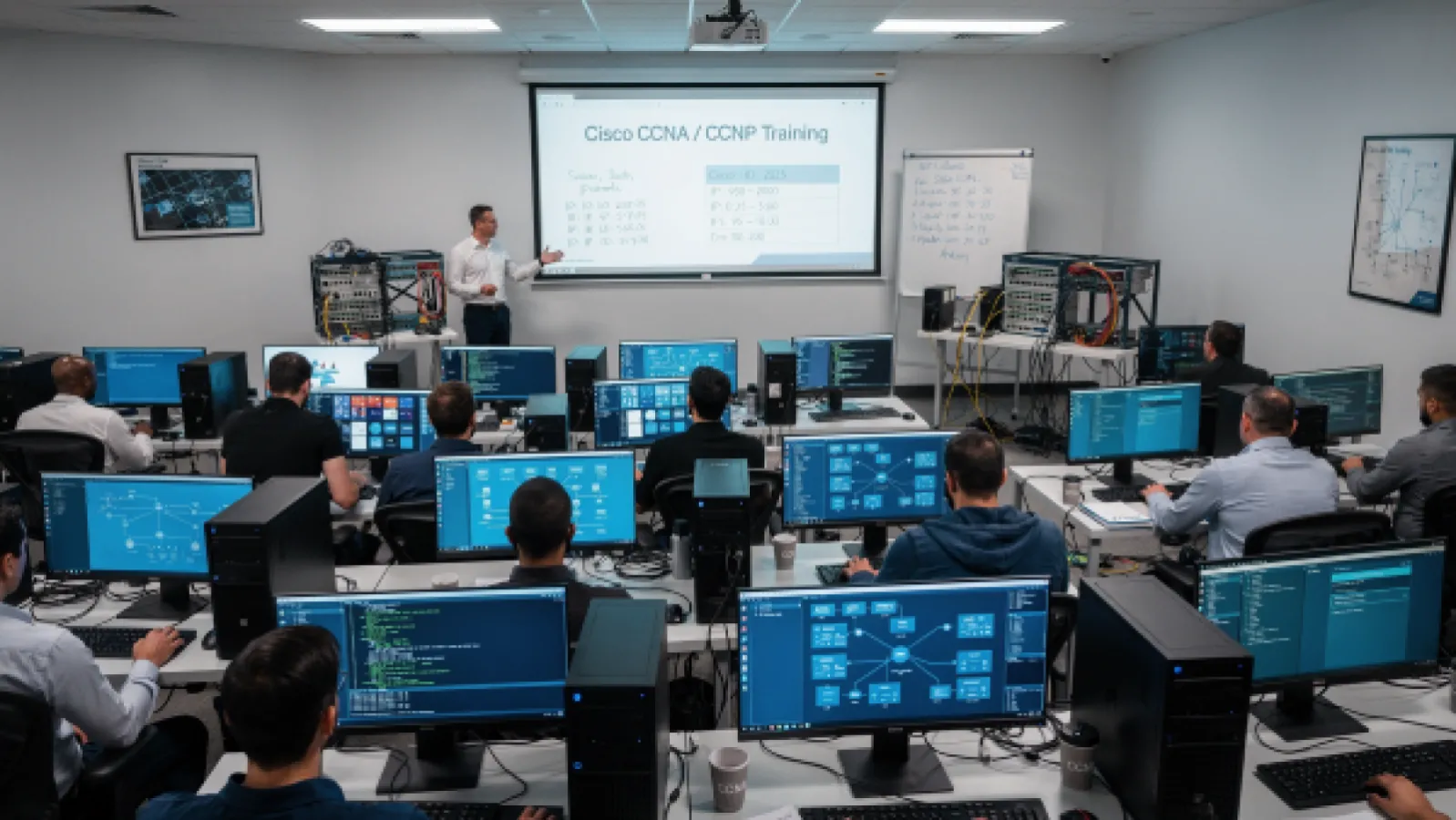
This training is classroom-based but can also be Live Online attended if desired. You follow the training live from a distance with our own instructor, view the notes on the whiteboard, participate in all labs and can ask questions to both the trainer and your fellow participants. Basically, it's just like being present at the classroom training, but from your own location. If the Live Online training wasn't completely to your satisfaction, you may attend it again in person with us free of charge within a year.
• Wat is een computernetwerk?
• Veelvoorkomend gebruik van een computernetwerk
• Componenten van een netwerk
• Kenmerken van een netwerk
• Fysieke versus logische topologieën
• Het interpreteren van een netwerkdiagram
• Invloed van gebruikersapplicaties op het netwerk
• Overzicht van host-to-host communicatie
• ISO OSI-referentiemodel
• TCP/IP-protocolsuite
• Peer-to-peer communicatie
• Encapsulatie en de-encapsulatie
• TCP/IP-stack versus OSI-referentiemodel
• Functies en kenmerken van Cisco IOS software
• CLI-functies van Cisco IOS software
• Cisco IOS software-modi
• Lokale netwerken (LAN’s)
• LAN-componenten
• Noodzaak van switches
• Kenmerken en functies van switches
• Ethernet LAN-verbinding media
• Ethernet frame-structuur
• LAN-communicatietypen
• MAC-adressen
• Frame switching
• Duplex communicatie
• Switch-installatie
• Verbinden met een consolepoort
• Switch-componenten
• LED-indicatoren van een switch
• Basis show-commando’s en informatie
• De initiële switchconfiguratie uitvoeren
• Internet Protocol
• Decimale en binaire getalsystemen
• Binaire naar decimale conversie
• Decimale naar binaire conversie
• IPv4-adresrepresentatie
• IPv4 header-velden
• IPv4-adresklassen
• Subnetmaskers
• Subnetten
• Subnetting implementeren: bits lenen
• Subnetting implementeren: het adresseringsschema bepalen
• Voordelen van VLSM en VLSM implementeren
• Private versus publieke IPv4-adressen
• Gereserveerde IPv4-adressen
• IPv4-adres van een host verifiëren
• Functies van de TCP/IP transportlaag
• Betrouwbaar versus best-effort transport
• Kenmerken van TCP
• Kenmerken van UDP
• TCP/IP applicatielaag
• Introductie van HTTP
• Domeinnaamsysteem (DNS)
• DHCP voor IPv4 uitleggen
• Rol van een router
• Router-componenten
• Routerfuncties
• Routingtabel
• Padbepaling
• Cisco routermodellen
• Routinghiërarchie op internet
• Initiële routerconfiguratie
• Routerinterfaces configureren
• IPv4-adressen op routerinterfaces configureren
• Interfaceconfiguratie en status controleren
• Verbonden apparaten verkennen
• Cisco Discovery Protocol gebruiken
• LLDP configureren en verifiëren
• Een initiële routerconfiguratie implementeren
• Layer 2-adressering
• Layer 3-adressering
• Standaard gateways
• Address Resolution Protocol
• Host-to-host pakketlevering
• Troubleshootingmethoden
• Troubleshootingtools
• Veelvoorkomende switch media-problemen oplossen
• Veelvoorkomende switch poortproblemen oplossen
• Veelvoorkomende problemen met IPv4-adressering oplossen
• Workarounds voor IPv4-adresuitputting
• IPv6-functies
• IPv6-adressen en adressoorten
• Vergelijking van IPv4- en IPv6-headers
• Internet Control Message Protocol versie 6
• Neighbor Discovery
• IPv6-adrestoewijzing
• Verificatie van end-to-end IPv6-connectiviteit
• Routingwerking
• Vergelijking van statische en dynamische routing
• Wanneer statische routing te gebruiken
• IPv4 statische routeconfiguratie
• Standaardroutes
• Statische en standaard routeconfiguratie verifiëren
• IPv6 statische routeconfiguratie
• IPv4 statische routing implementeren
• IPv6 statische routing implementeren
• Routingwerking
• Vergelijking van statische en dynamische routing
• Wanneer statische routing te gebruiken
• IPv4 statische routeconfiguratie
• Standaardroutes
• Statische en standaard routeconfiguratie verifiëren
• IPv6 statische routeconfiguratie
• IPv4 statische routing implementeren
• IPv6 statische routing implementeren
• Introductie van VLAN’s
• Een VLAN aanmaken
• Een poort toewijzen aan een VLAN
• Trunking met 802.1Q
• Een 802.1Q trunk configureren
• VLAN-ontwerpoverwegingen
• VLAN’s en trunks troubleshooten
• Doel van inter-VLAN routing
• Opties voor inter-VLAN routing
• Meerdere VLAN’s implementeren en basisrouting tussen VLAN’s
• Dynamische routingprotocollen
• Padselectie
• Overzicht van link-state routingprotocollen
• Datastructuren van link-state routingprotocollen
• Introductie van OSPF
• OSPF neighbor-adjacenties opzetten
• OSPF neighbor-staten
• SPF-algoritme
• Een link-state database opbouwen
• Routing voor IPv6
• Fysieke redundantie in een LAN
• Problemen in redundante topologieën
• Werking van Spanning Tree
• Typen Spanning Tree-protocollen
• PortFast, BPDU Guard en BPDU Filter
• Rapid Spanning Tree Protocol
• STP Loop Guard
• STP Root Guard
• Overzicht van EtherChannel
• EtherChannel-configuratieopties
• EtherChannel configureren en verifiëren
• Overzicht van ACL
• Werking van ACL
• ACL wildcard masking
• Wildcard mask afkortingen
• Typen basis ACL’s
• Standaard IPv4 ACL’s configureren
• Uitgebreide IPv4 ACL’s configureren
• IPv4 ACL’s verifiëren en wijzigen
• IPv4 ACL’s toepassen om netwerkverkeer te filteren
• Genummerde en benoemde IPv4 ACL’s implementeren
• Introductie van Network Address Translation
• NAT-terminologie en vertaalmechanismen
• Voordelen en nadelen van NAT
• Statische NAT en port forwarding
• Dynamische NAT
• Port Address Translation
• Inside IPv4 NAT configureren en verifiëren
• PAT implementeren
• Basis van AI en ML
• Geavanceerde AI-concepten
• Retrieval-Augmented Generation
• Rol van AI en ML in netwerkoperaties
• Introductie van Syslog
• Syslog-berichtformaat
• Overzicht van SNMP
• Network Time Protocol inschakelen
• Systeemlogboekregistratie configureren
• Cisco IOS Integrated File System en apparaten
• Fasen van de router power-on boot sequence
• Systeemimagebestanden laden en beheren
• Cisco IOS-configuratiebestanden laden
• Cisco IOS images valideren met MD5/SHA512
• Cisco IOS images en device configuration files beheren
• Cisco IOS WebUI
• Overzicht van netwerkdevice security
• Toegang tot privileged EXEC mode beveiligen
• Console-toegang beveiligen
• Remote access beveiligen
• Login banner configureren
• Remote access beperken met ACL’s
• Externe authenticatieopties
• Beveiligde device administrative access
• Ongebruikte poorten beveiligen
• Infrastructure ACL
• Ongebruikte services uitschakelen
• Port security
• VLAN-aanvallen mitigeren
• Dynamic ARP inspection
• STP-aanvallen mitigeren
• Device hardening implementeren
Cisco CCNA is the first training for professionals working with Cisco solutions who want to get certified in this area. The Cisco CCNA program focuses extensively at the associate level on the solutions and technologies you need to implement and manage a wide range of modern network and IT infrastructures. Unlike before, themes such as security and automation are also part of the training because they are essential for modern network administrators in the performance of their duties.
The training includes topics such as network fundamentals and access, IP connectivity and services, security fundamentals, automation, programmability, artificial intelligence, network device security, IPv6, QoS (Quality of Service), wireless technologies, wireless controllers, automation, and REST APIs.
The corresponding 200-301 exam tests your knowledge and skills in the areas of network fundamentals, network access, IP connectivity, IP services, security principles, automation, and programmability.
This training is classroom-based but can also be Live Online attended if desired. You follow the training live from a distance with our own instructor, view the notes on the whiteboard, participate in all labs and can ask questions to both the trainer and your fellow participants. Basically, it's just like being present at the classroom training, but from your own location. If the Live Online training wasn't completely to your satisfaction, you may attend it again in person with us free of charge within a year.
• Wat is een computernetwerk?
• Veelvoorkomend gebruik van een computernetwerk
• Componenten van een netwerk
• Kenmerken van een netwerk
• Fysieke versus logische topologieën
• Het interpreteren van een netwerkdiagram
• Invloed van gebruikersapplicaties op het netwerk
• Overzicht van host-to-host communicatie
• ISO OSI-referentiemodel
• TCP/IP-protocolsuite
• Peer-to-peer communicatie
• Encapsulatie en de-encapsulatie
• TCP/IP-stack versus OSI-referentiemodel
• Functies en kenmerken van Cisco IOS software
• CLI-functies van Cisco IOS software
• Cisco IOS software-modi
• Lokale netwerken (LAN’s)
• LAN-componenten
• Noodzaak van switches
• Kenmerken en functies van switches
• Ethernet LAN-verbinding media
• Ethernet frame-structuur
• LAN-communicatietypen
• MAC-adressen
• Frame switching
• Duplex communicatie
• Switch-installatie
• Verbinden met een consolepoort
• Switch-componenten
• LED-indicatoren van een switch
• Basis show-commando’s en informatie
• De initiële switchconfiguratie uitvoeren
• Internet Protocol
• Decimale en binaire getalsystemen
• Binaire naar decimale conversie
• Decimale naar binaire conversie
• IPv4-adresrepresentatie
• IPv4 header-velden
• IPv4-adresklassen
• Subnetmaskers
• Subnetten
• Subnetting implementeren: bits lenen
• Subnetting implementeren: het adresseringsschema bepalen
• Voordelen van VLSM en VLSM implementeren
• Private versus publieke IPv4-adressen
• Gereserveerde IPv4-adressen
• IPv4-adres van een host verifiëren
• Functies van de TCP/IP transportlaag
• Betrouwbaar versus best-effort transport
• Kenmerken van TCP
• Kenmerken van UDP
• TCP/IP applicatielaag
• Introductie van HTTP
• Domeinnaamsysteem (DNS)
• DHCP voor IPv4 uitleggen
• Rol van een router
• Router-componenten
• Routerfuncties
• Routingtabel
• Padbepaling
• Cisco routermodellen
• Routinghiërarchie op internet
• Initiële routerconfiguratie
• Routerinterfaces configureren
• IPv4-adressen op routerinterfaces configureren
• Interfaceconfiguratie en status controleren
• Verbonden apparaten verkennen
• Cisco Discovery Protocol gebruiken
• LLDP configureren en verifiëren
• Een initiële routerconfiguratie implementeren
• Layer 2-adressering
• Layer 3-adressering
• Standaard gateways
• Address Resolution Protocol
• Host-to-host pakketlevering
• Troubleshootingmethoden
• Troubleshootingtools
• Veelvoorkomende switch media-problemen oplossen
• Veelvoorkomende switch poortproblemen oplossen
• Veelvoorkomende problemen met IPv4-adressering oplossen
• Workarounds voor IPv4-adresuitputting
• IPv6-functies
• IPv6-adressen en adressoorten
• Vergelijking van IPv4- en IPv6-headers
• Internet Control Message Protocol versie 6
• Neighbor Discovery
• IPv6-adrestoewijzing
• Verificatie van end-to-end IPv6-connectiviteit
• Routingwerking
• Vergelijking van statische en dynamische routing
• Wanneer statische routing te gebruiken
• IPv4 statische routeconfiguratie
• Standaardroutes
• Statische en standaard routeconfiguratie verifiëren
• IPv6 statische routeconfiguratie
• IPv4 statische routing implementeren
• IPv6 statische routing implementeren
• Routingwerking
• Vergelijking van statische en dynamische routing
• Wanneer statische routing te gebruiken
• IPv4 statische routeconfiguratie
• Standaardroutes
• Statische en standaard routeconfiguratie verifiëren
• IPv6 statische routeconfiguratie
• IPv4 statische routing implementeren
• IPv6 statische routing implementeren
• Introductie van VLAN’s
• Een VLAN aanmaken
• Een poort toewijzen aan een VLAN
• Trunking met 802.1Q
• Een 802.1Q trunk configureren
• VLAN-ontwerpoverwegingen
• VLAN’s en trunks troubleshooten
• Doel van inter-VLAN routing
• Opties voor inter-VLAN routing
• Meerdere VLAN’s implementeren en basisrouting tussen VLAN’s
• Dynamische routingprotocollen
• Padselectie
• Overzicht van link-state routingprotocollen
• Datastructuren van link-state routingprotocollen
• Introductie van OSPF
• OSPF neighbor-adjacenties opzetten
• OSPF neighbor-staten
• SPF-algoritme
• Een link-state database opbouwen
• Routing voor IPv6
• Fysieke redundantie in een LAN
• Problemen in redundante topologieën
• Werking van Spanning Tree
• Typen Spanning Tree-protocollen
• PortFast, BPDU Guard en BPDU Filter
• Rapid Spanning Tree Protocol
• STP Loop Guard
• STP Root Guard
• Overzicht van EtherChannel
• EtherChannel-configuratieopties
• EtherChannel configureren en verifiëren
• Overzicht van ACL
• Werking van ACL
• ACL wildcard masking
• Wildcard mask afkortingen
• Typen basis ACL’s
• Standaard IPv4 ACL’s configureren
• Uitgebreide IPv4 ACL’s configureren
• IPv4 ACL’s verifiëren en wijzigen
• IPv4 ACL’s toepassen om netwerkverkeer te filteren
• Genummerde en benoemde IPv4 ACL’s implementeren
• Introductie van Network Address Translation
• NAT-terminologie en vertaalmechanismen
• Voordelen en nadelen van NAT
• Statische NAT en port forwarding
• Dynamische NAT
• Port Address Translation
• Inside IPv4 NAT configureren en verifiëren
• PAT implementeren
• Basis van AI en ML
• Geavanceerde AI-concepten
• Retrieval-Augmented Generation
• Rol van AI en ML in netwerkoperaties
• Introductie van Syslog
• Syslog-berichtformaat
• Overzicht van SNMP
• Network Time Protocol inschakelen
• Systeemlogboekregistratie configureren
• Cisco IOS Integrated File System en apparaten
• Fasen van de router power-on boot sequence
• Systeemimagebestanden laden en beheren
• Cisco IOS-configuratiebestanden laden
• Cisco IOS images valideren met MD5/SHA512
• Cisco IOS images en device configuration files beheren
• Cisco IOS WebUI
• Overzicht van netwerkdevice security
• Toegang tot privileged EXEC mode beveiligen
• Console-toegang beveiligen
• Remote access beveiligen
• Login banner configureren
• Remote access beperken met ACL’s
• Externe authenticatieopties
• Beveiligde device administrative access
• Ongebruikte poorten beveiligen
• Infrastructure ACL
• Ongebruikte services uitschakelen
• Port security
• VLAN-aanvallen mitigeren
• Dynamic ARP inspection
• STP-aanvallen mitigeren
• Device hardening implementeren

This training is scheduled as follows in the coming period. Missing a date? Feel free to contact us.
Location: TSTC Veenendaal - Klassikaal & Live Online
Location: TSTC Veenendaal - Klassikaal & Live Online
Train smarter, not harder. TSTC's unique approach guarantees the effective acquisition of skills and the greatest chance of success.
Learn more about TSTC